ProffieConfig makes configuration simple.
Skip Arduino, learning code syntax, and fiddling with setup.
Focus on configuration: your fonts, bladestyles, and settings.
Get Started Quickly
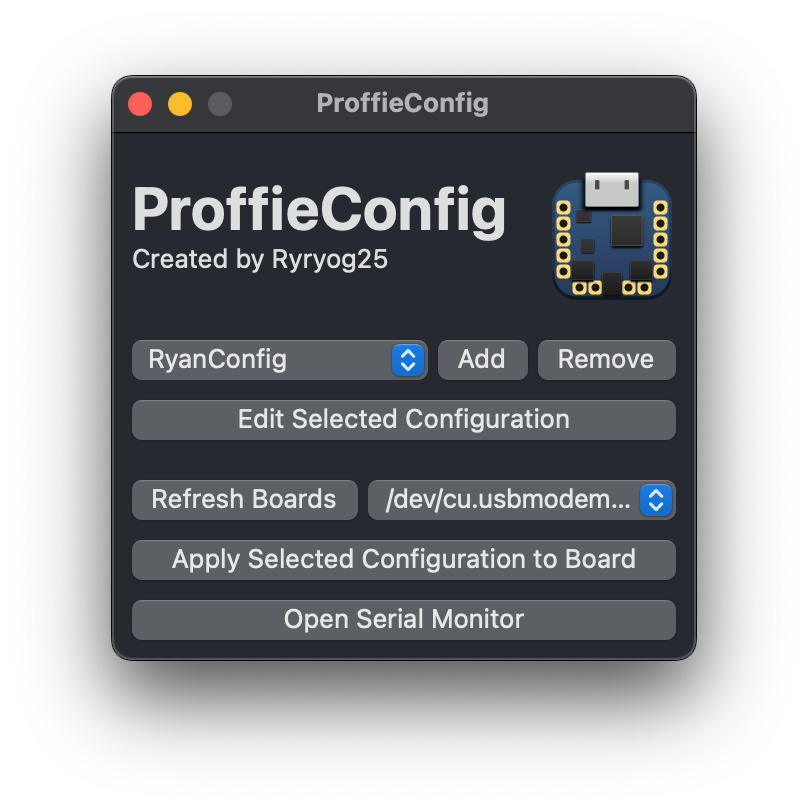
ProffieConfig sets up automatically, can quickly import your existing config, and immediately perform uploads to your proffieboard. Just like that.
Simplified Editing
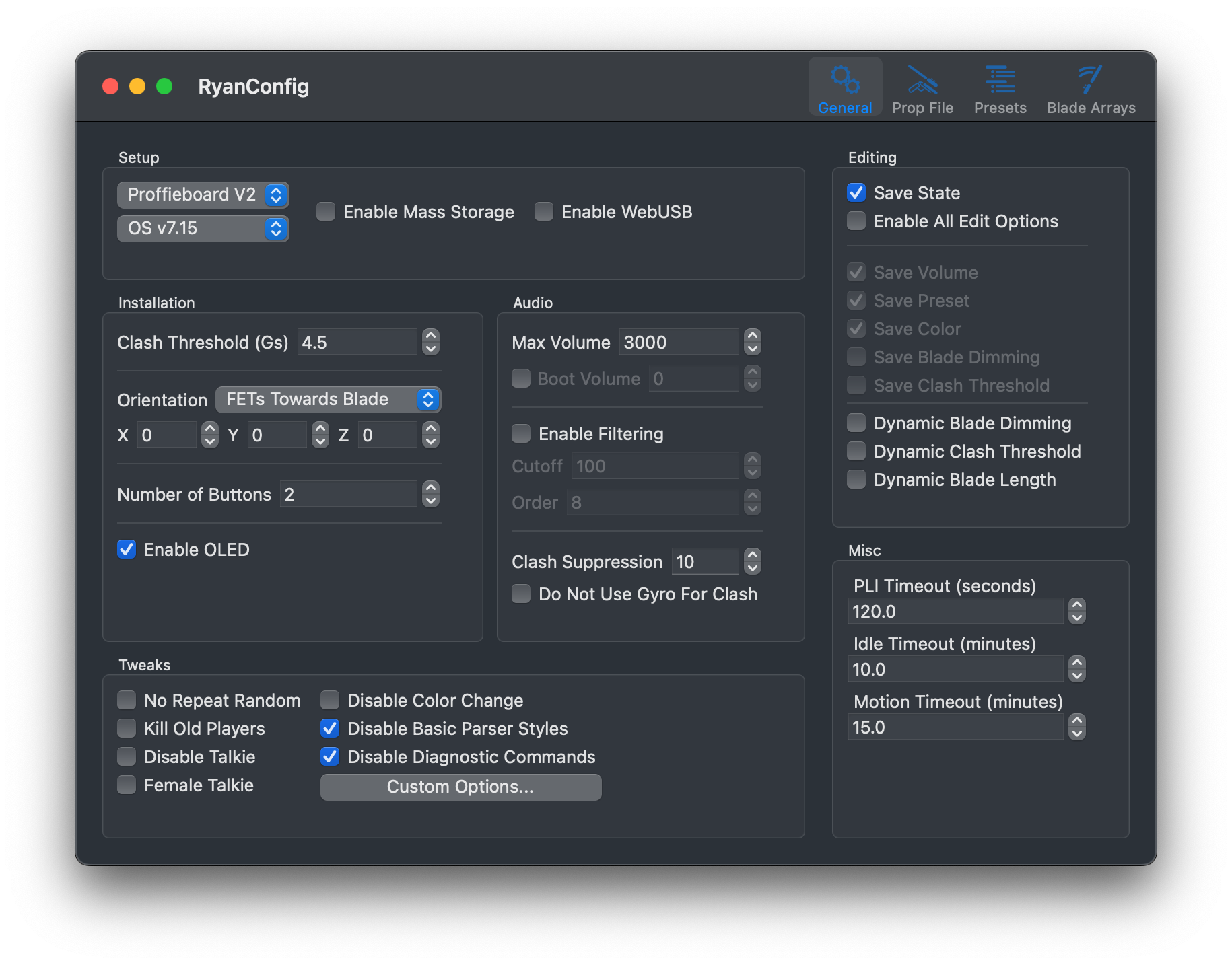
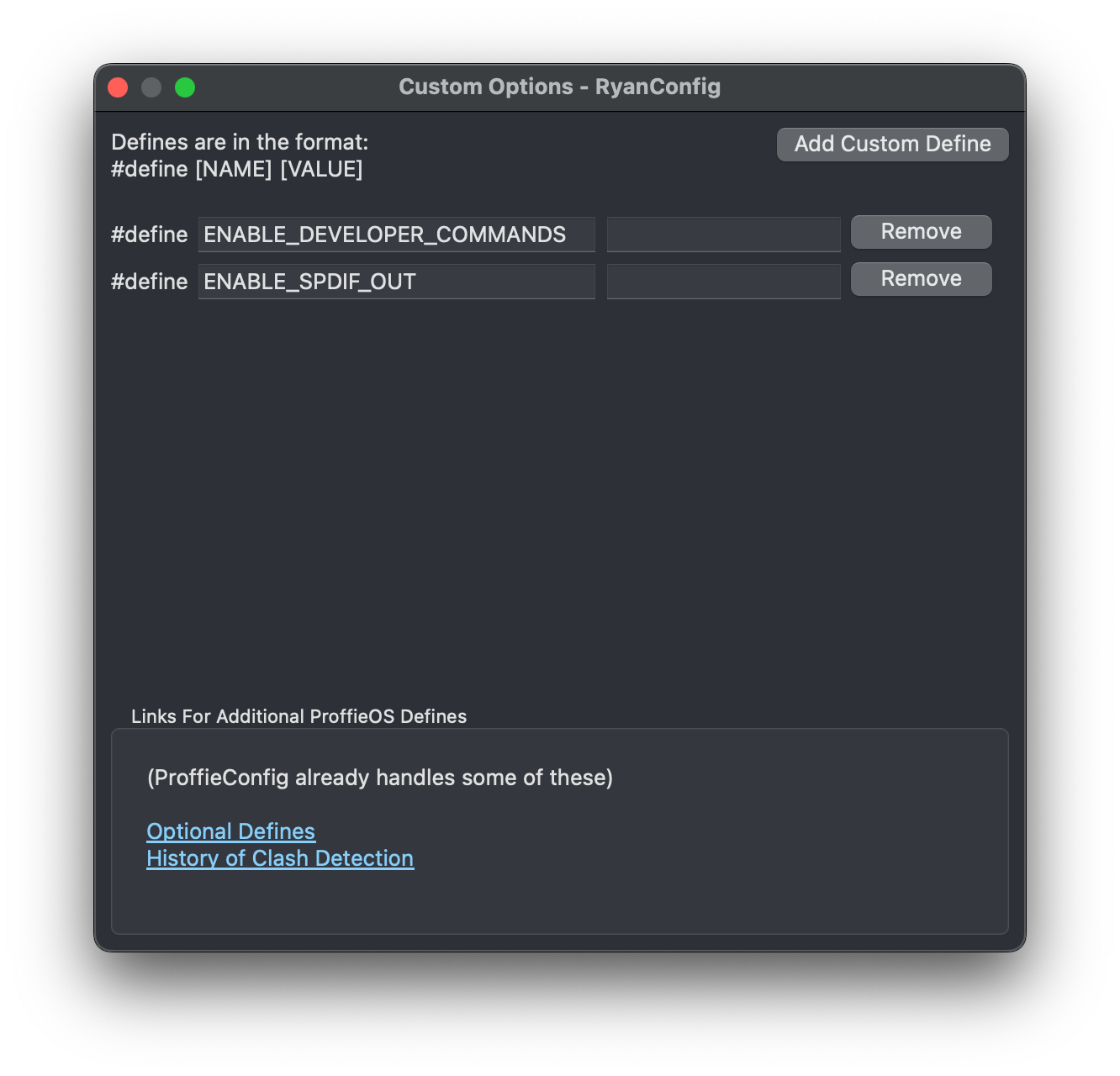
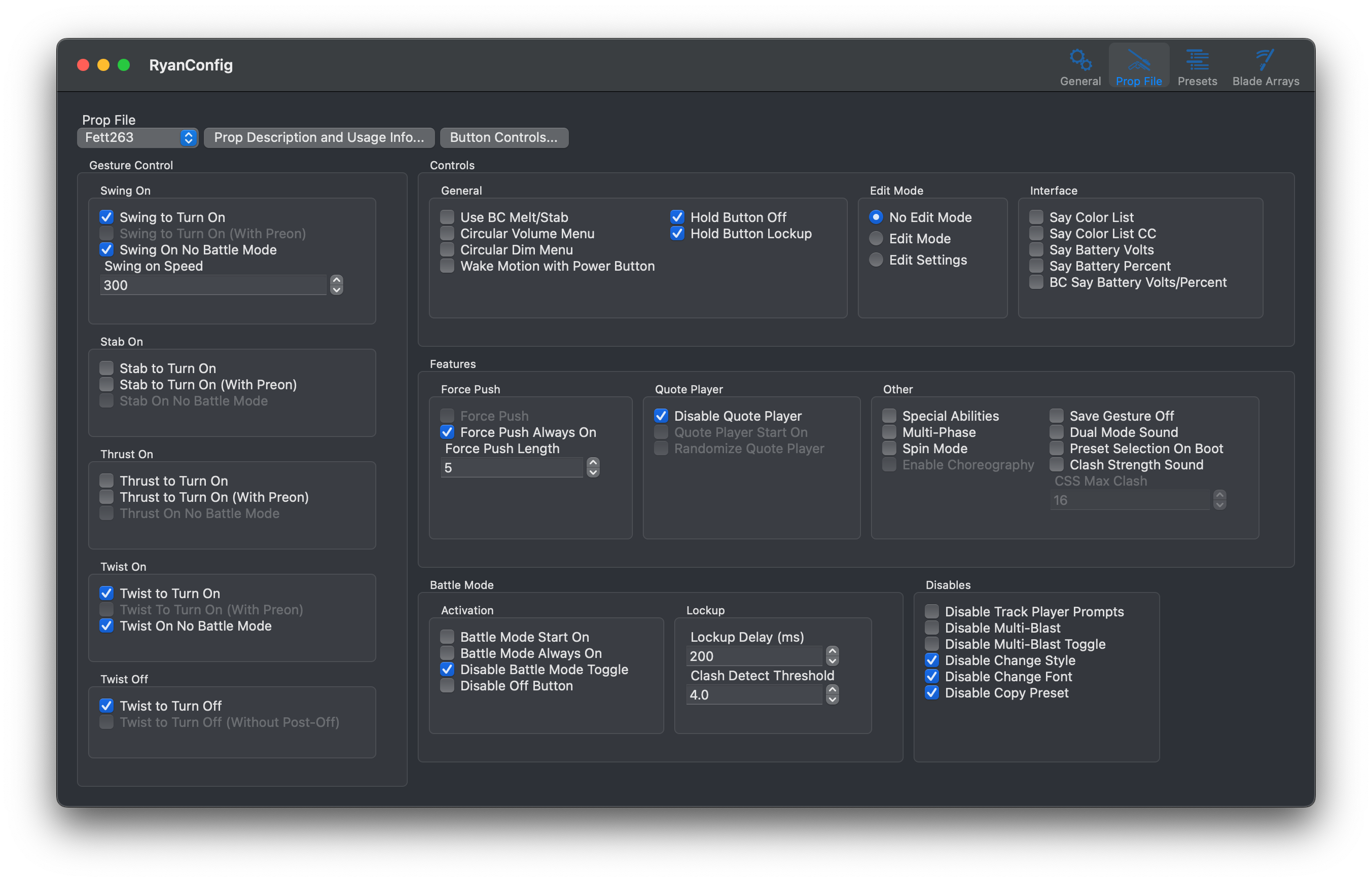
Settings are easy to view, discover, and edit. All without touching any code. All common (and some uncommon) settings in ProffieOS are immediately visible and available. For advanced ones which aren't, they're still accessible in Custom Options.
Full Access To Prop Features
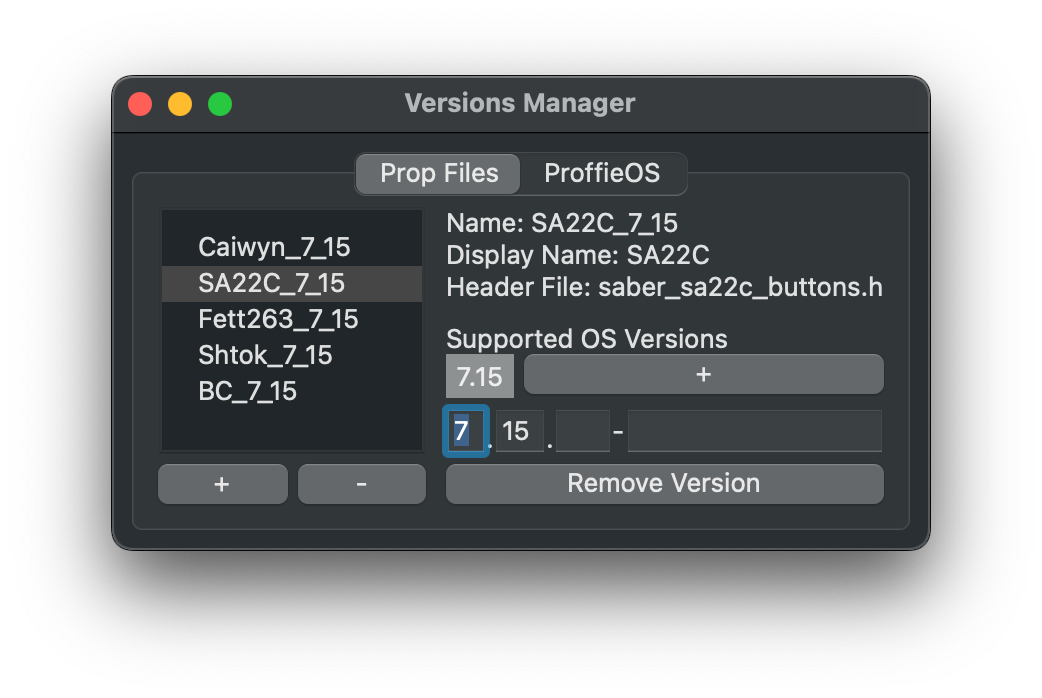
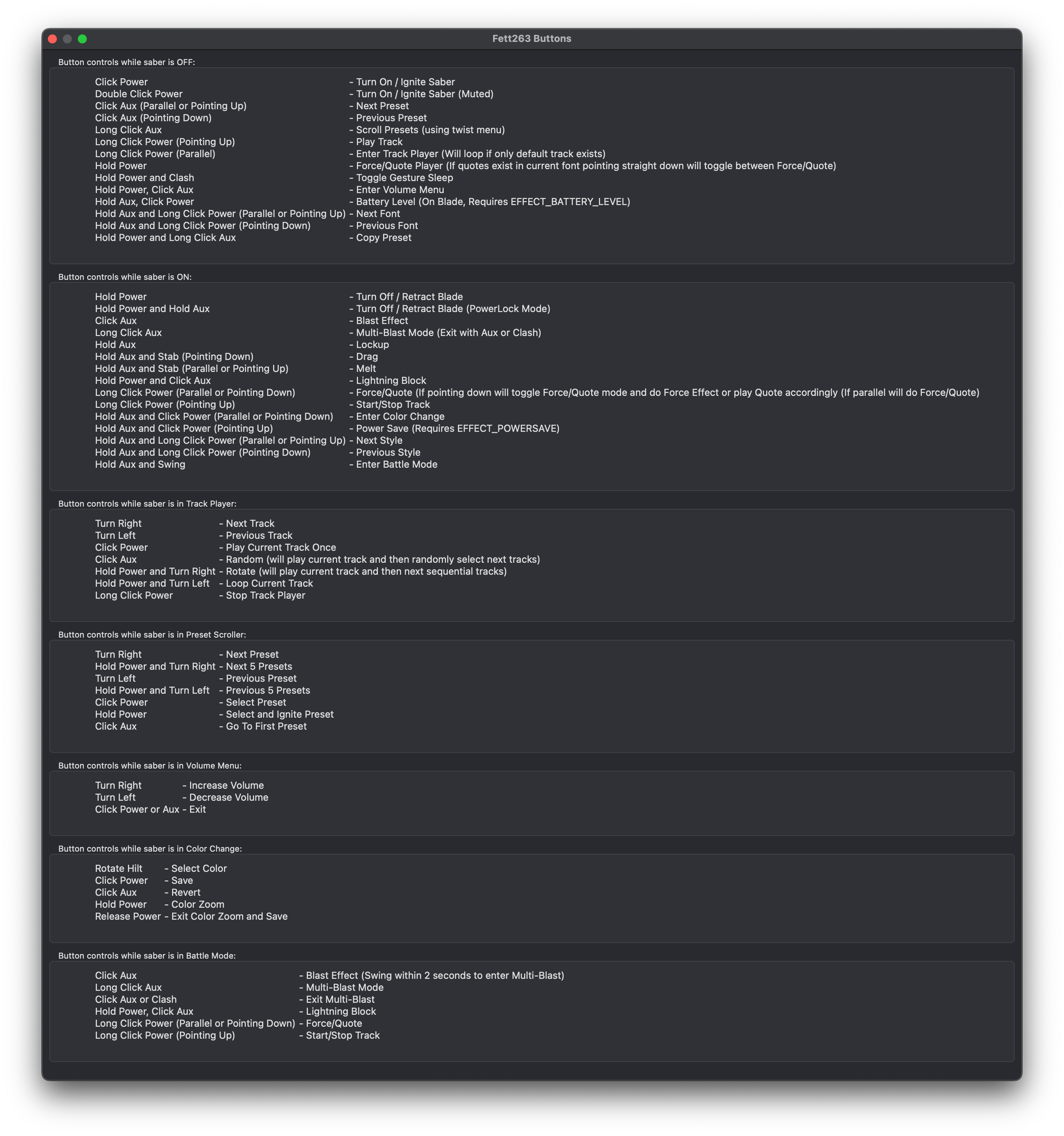
The common prop files (and all their features) are available in ProffieConfig out of the box, and, if you're advanced, there's nothing stopping you from using your own. Changing button mappings are handled too with customized control instructions.
Presets & Styles
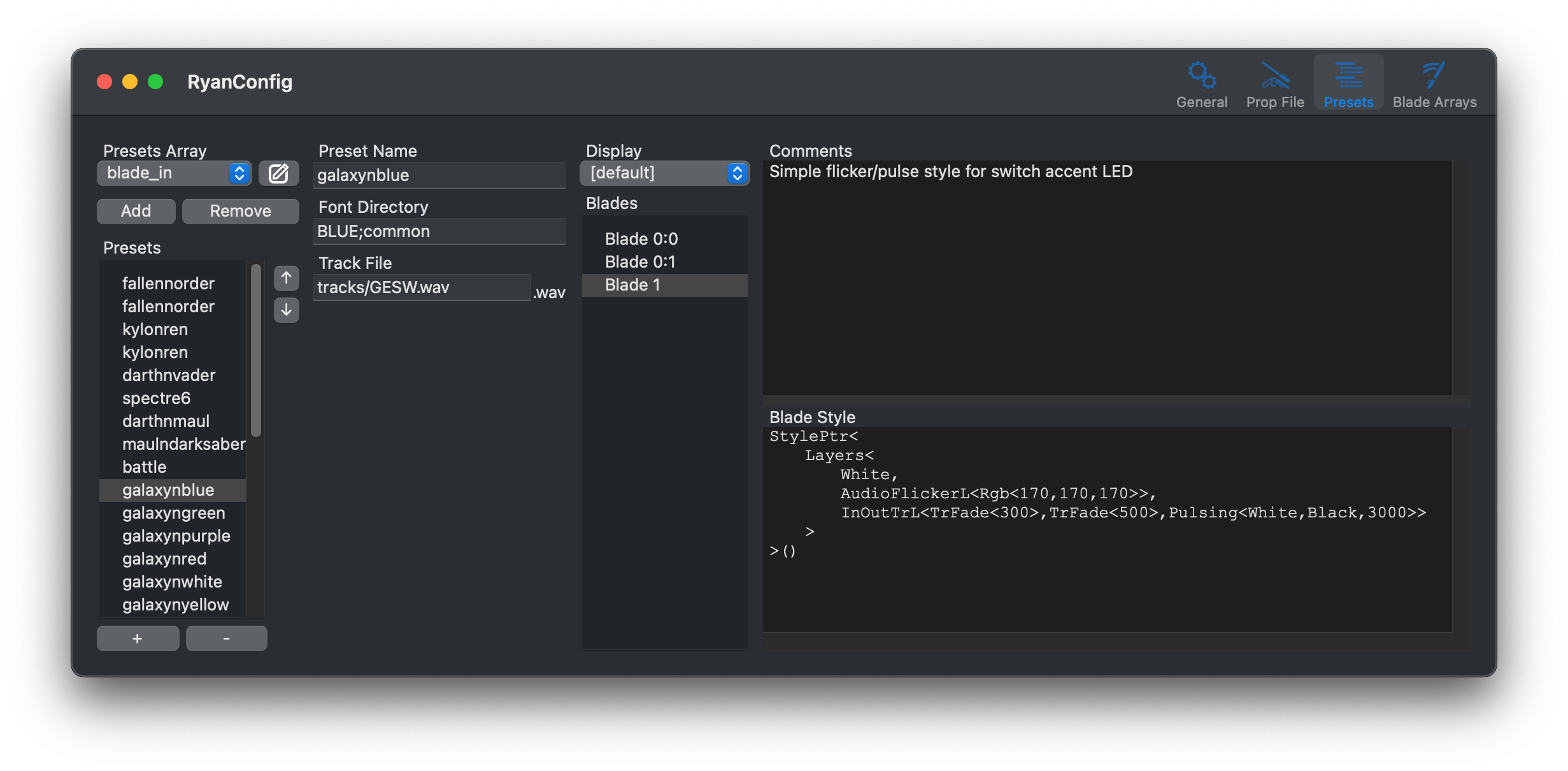
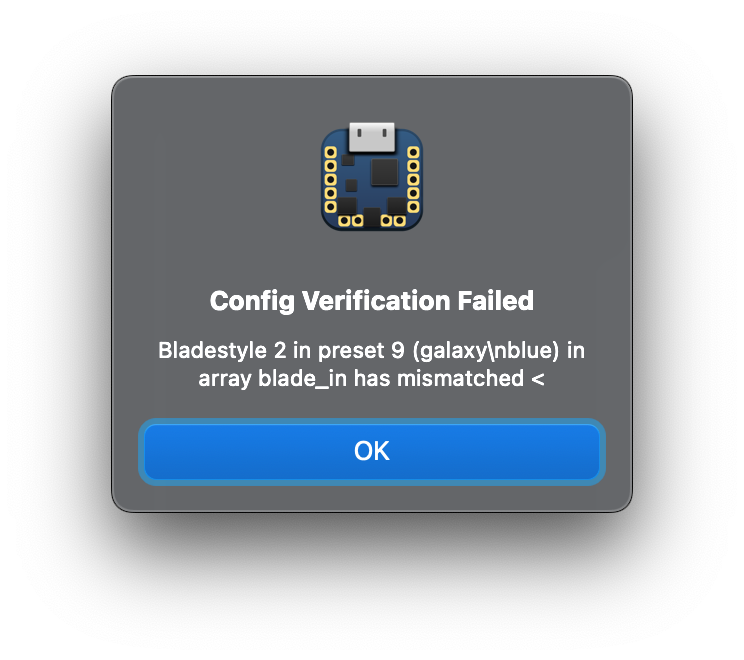
Preset Arrays, Presets, and Bladestyles and their relationships are all clearly visualized. Along with handling for style comments and formatted style code, ProffieConfig also provides clear error messages for common formatting errors.
Advanced Blades Handling
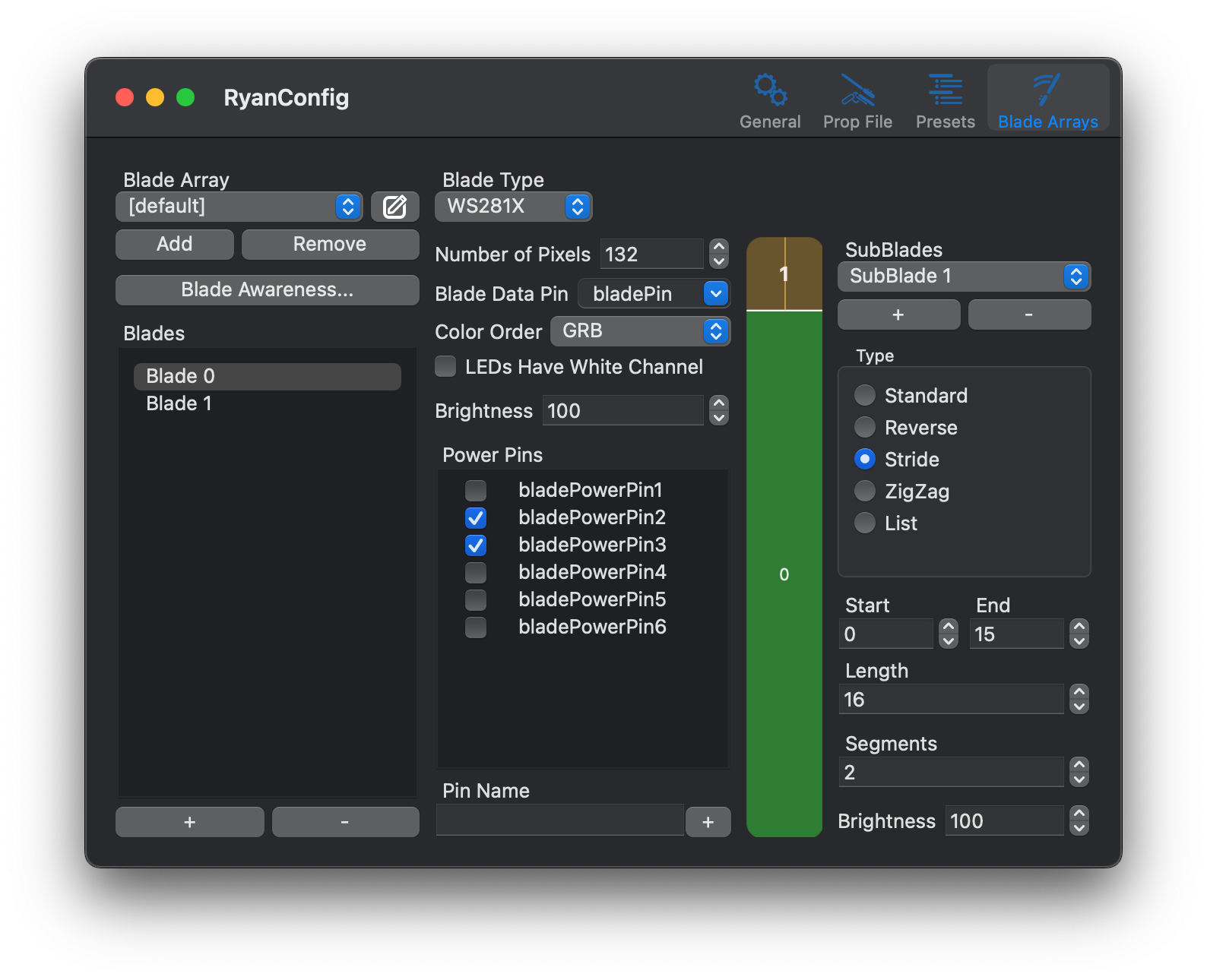
In ProffieOS, a "blade" means a lot of things, and they can be quite complex. ProffieConfig supports complex blade arrays and configurations, Blade Awareness, and provides a visualizer for WS281X-style "SubBlades" to make setting them up easy.
That's just a peek
ProffieConfig has more advanced features to offer, but it doesn't let them get in the way.
Download ProffieConfig to get started simply, and discover the rest at your own pace.
Need Help?
You can contact me on The Crucible, Discord, and via email.
I'm "Ryryog25" or "ryancog" most places, if not just using my name Ryan Ogurek. :)
If you've found a bug, you can report it on GitHub.
If an issue already exists for the bug, please go ahead and leave a comment on that issue rather than creating a new one.